About Custom Reconciliation
Automated Back Office enables you to manage Custom Reconciliation for greater control over your underlying data. For example, you can summarize your Collection data and perform calculations against its values.
Custom Reconciliation allows you to perform tasks through the Reflow interface on Thredd data, or Card Scheme-specific files (for example Mastercard's T140s). You can also use your own data that you have uploaded to Automated Back Office for performing Custom Reconciliation.
The Custom Reconciliation activities that you can perform depend on your role. For more details, see Roles in Automated Back Office.
You do not need to perform Activity Reconciliation and Transaction Matching together with Custom Reconciliation.
Use Cases of Custom Reconciliation
You can apply Custom Reconciliation for the following use cases:
- Performing gap analysis.
- Providing summary information.
- Generating statistical insights.
Custom Reconciliation Workflow
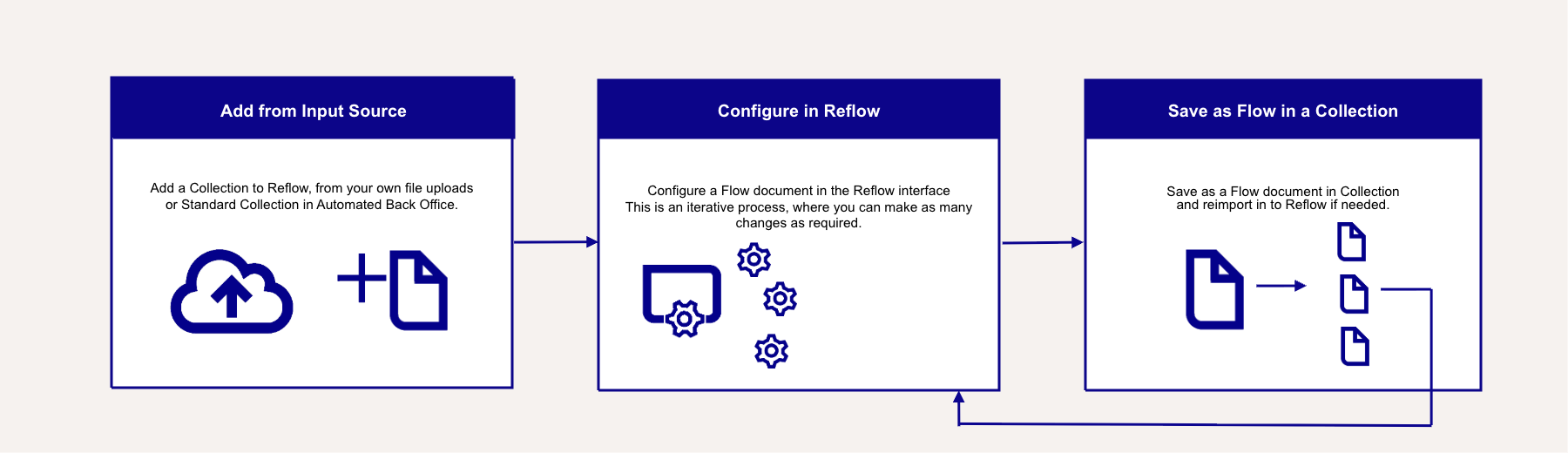
You can use the following generic workflow for Custom Reconciliation.
Custom Reconciliation Concepts
The following concepts are central to Custom Reconciliation. These include the Reflow interface, datasets, Flow documents and Collections.
Reflow Interface
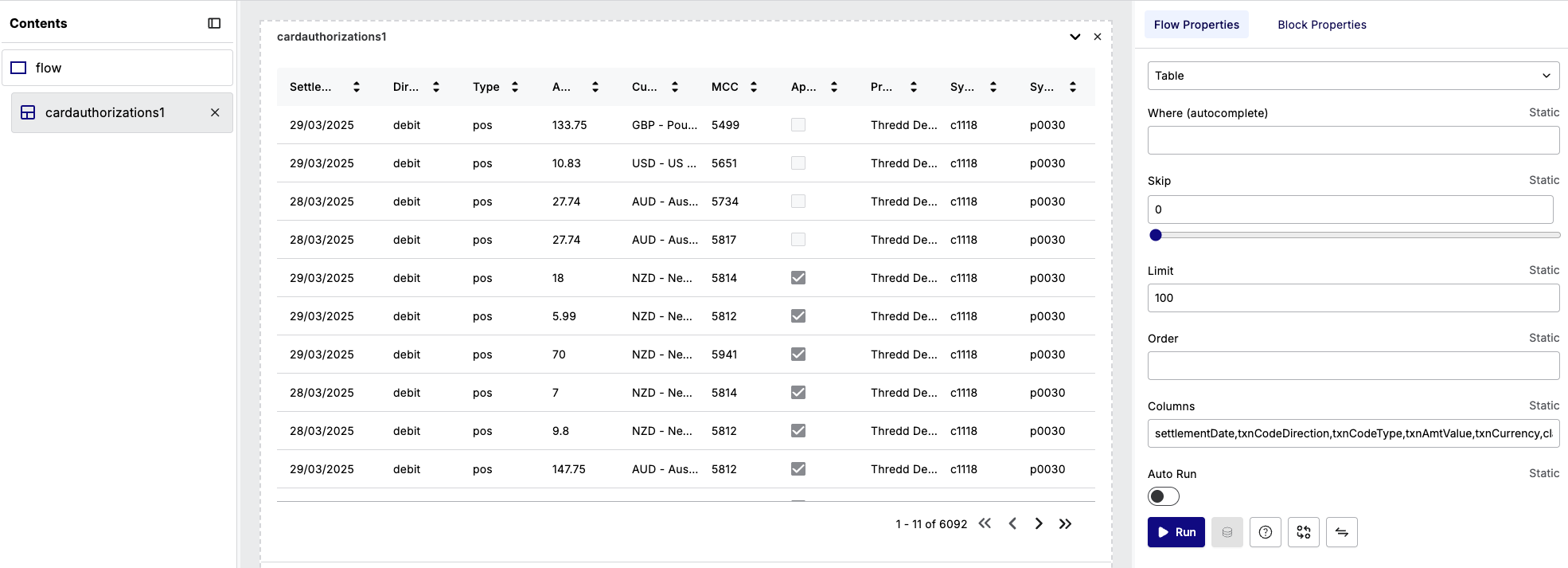
A Reflow interface is where you configure and perform tasks in Custom Reconciliation. These tasks include updating datasets, configuring charts, performing calculations and formatting documents. The UI of the Reflow interface appears as follows.
Flow Document
A Flow document stores the configurations that you build for Custom Reconciliation over a Collection, such new columns, charts and calculations. When you save the Flow document, you and other team members can reuse the configurations. The following image is an example of a Flow document listed in the Flows section of Automated Back Office.

A Flow document is not the same as the Reflow interface. You use the Reflow interface to build the functions that you can save as a Flow document.
Collections
Collections are files in Automated Back Office that are presented in a tabular view, where they can be viewed and updated in Reflow. A Collection is either a:
- Standard Collection that Thredd uploads, for example a Card Financials file.
- Custom Collection from a file that you have uploaded.
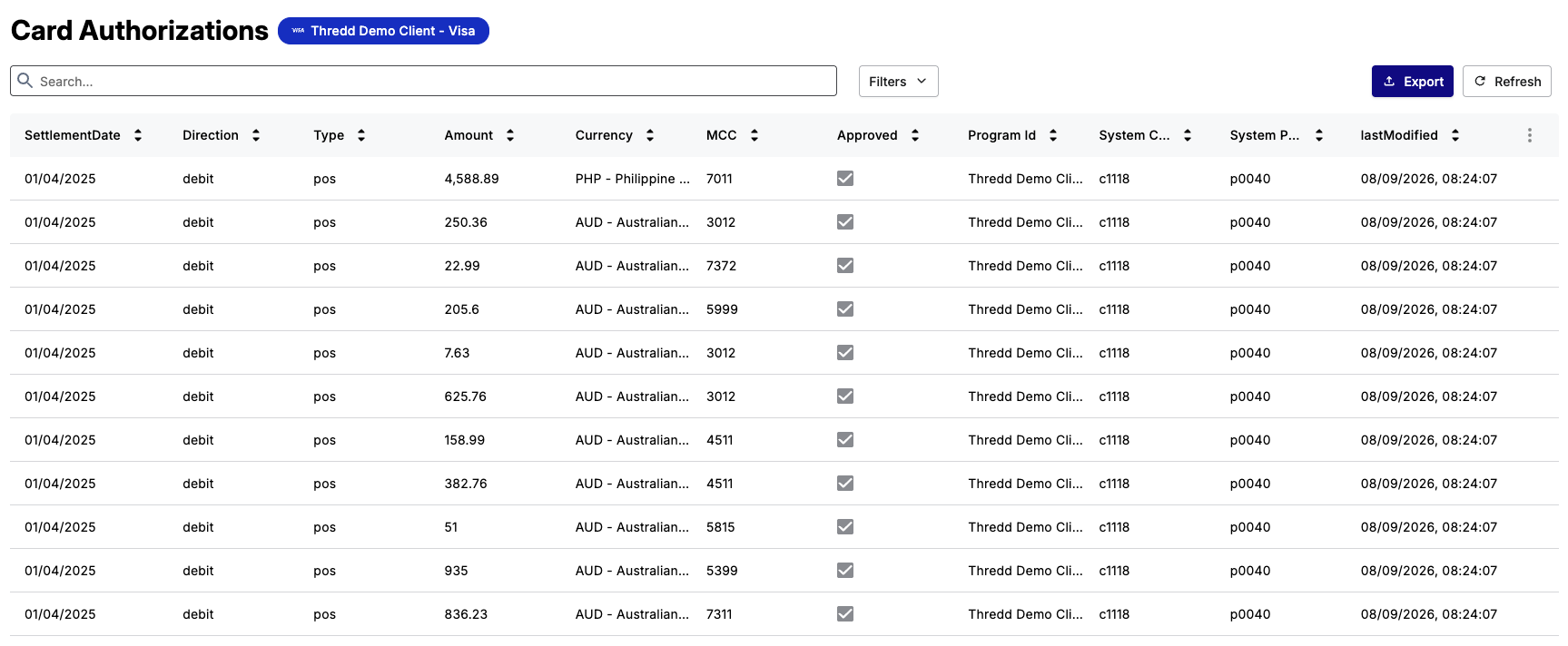
The following shows an example of a Standard Collection for Card Authorizations.
Incorporating Flows and Collections in the Reflow Interface
You can add Custom Collections and Standard Collections directly in to the Reflow interface. Additionally, if you have updated a Collection and saved it as a Flow document within Reflow, you can add it back to the interface where you can update the data again.
For more details on viewing Collections and Flows outside of Reflow, see Managing Collections and Flows.
Custom Reconciliation Example Steps in Reflow
For example steps of Custom Reconciliation using Reflow, refer to the Basic Operations in Reflow and the Advanced ReflowFunctions sections. The Basic Operations in Reflow section includes tasks on a single Collection, such as adding columns. While the Advanced Reflow Functions section includes tasks that involve more than one Collection.